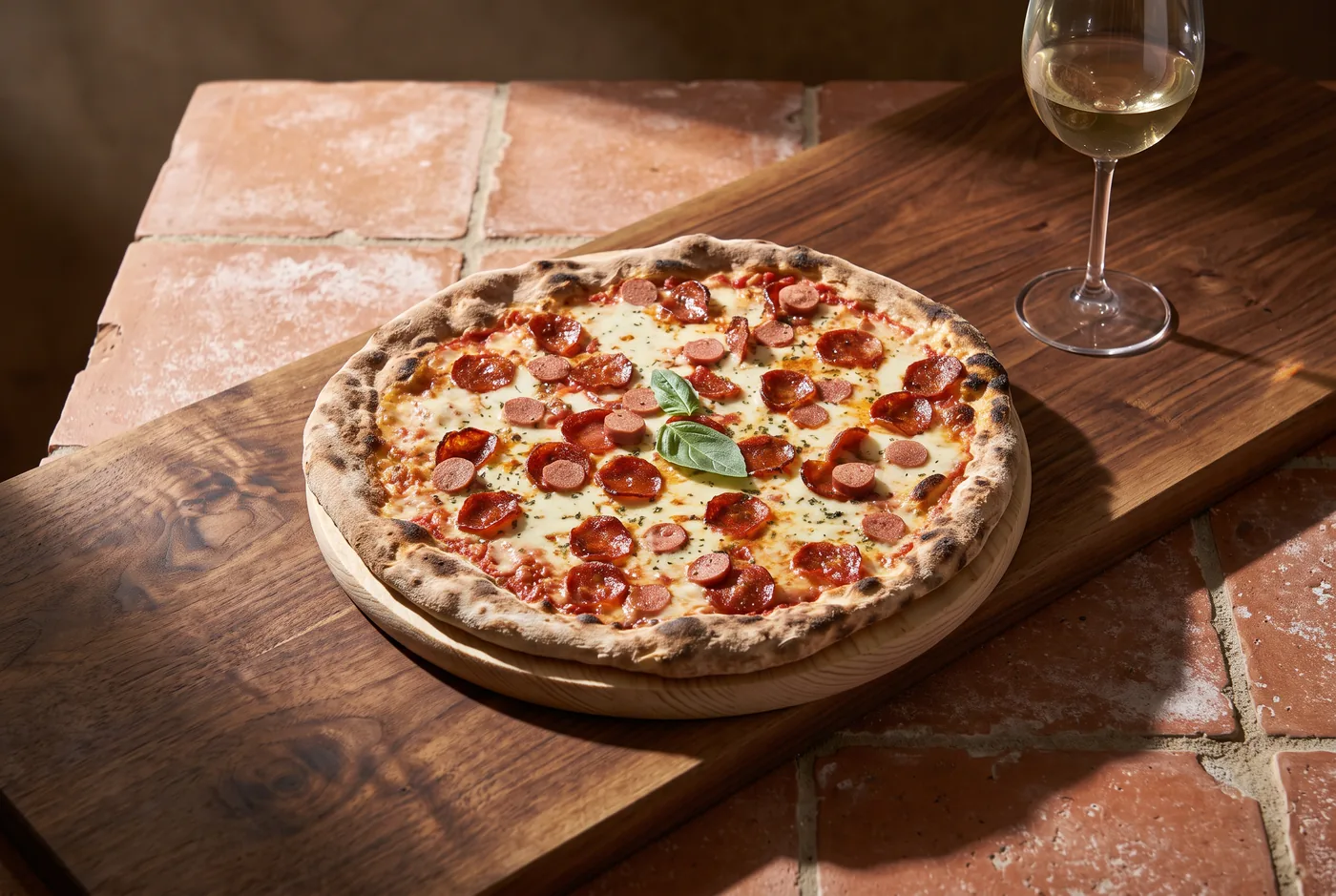
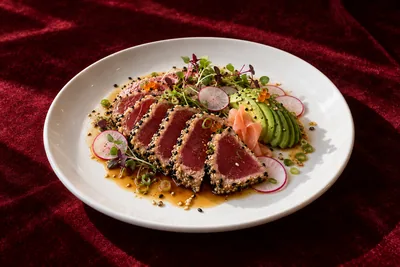
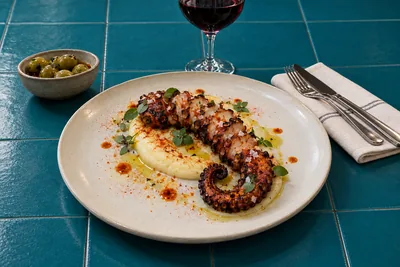
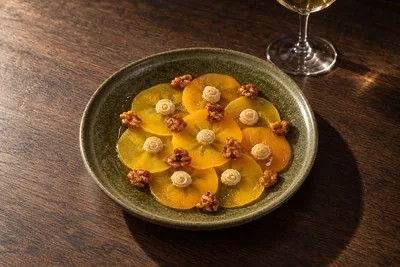
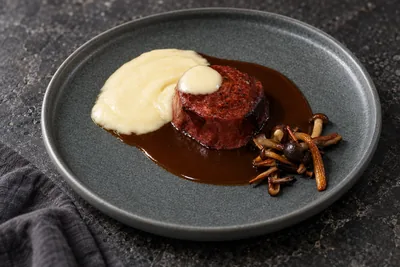
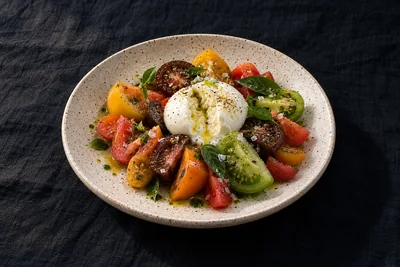
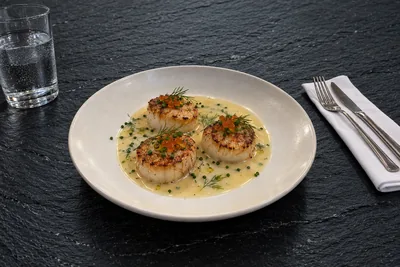
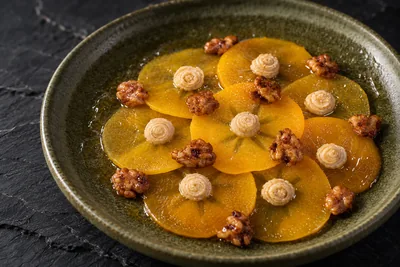
One photo of yours.
Four studio shots.
Upload a photo of your dish and pick the setting: table, light, background and props. If you like, the camera too: closer or at an angle. The food is yours.
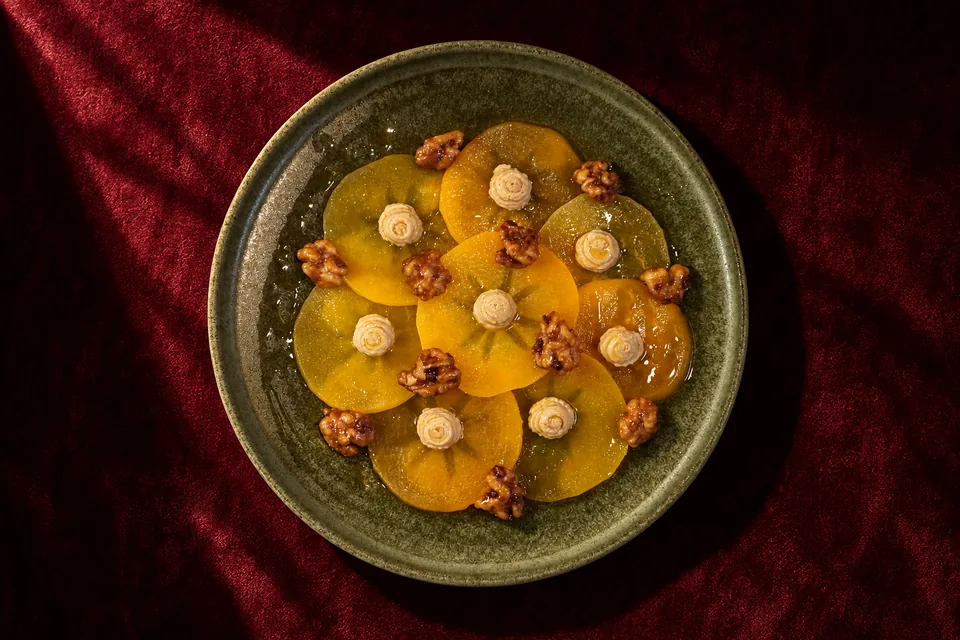
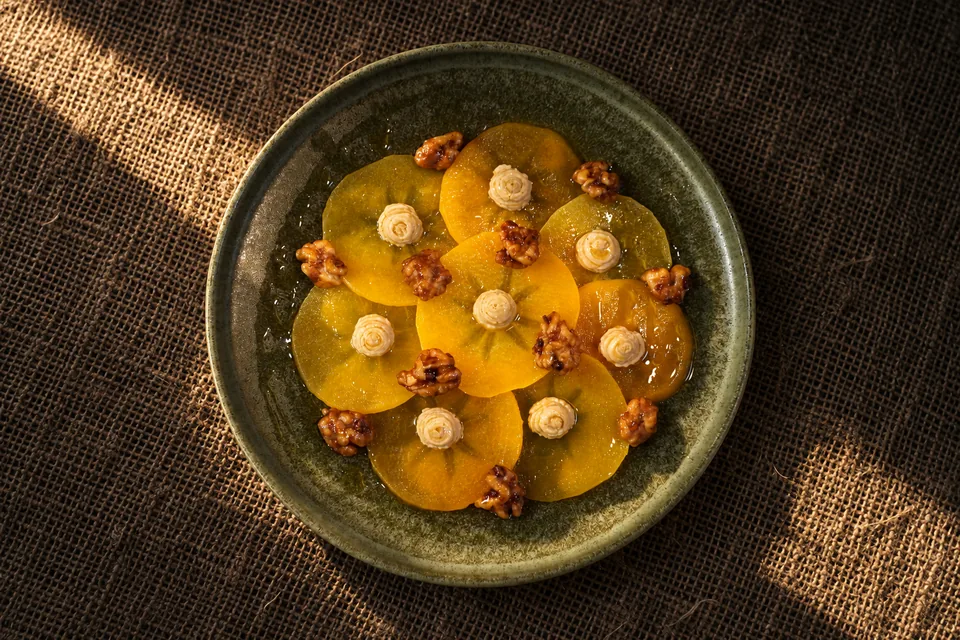
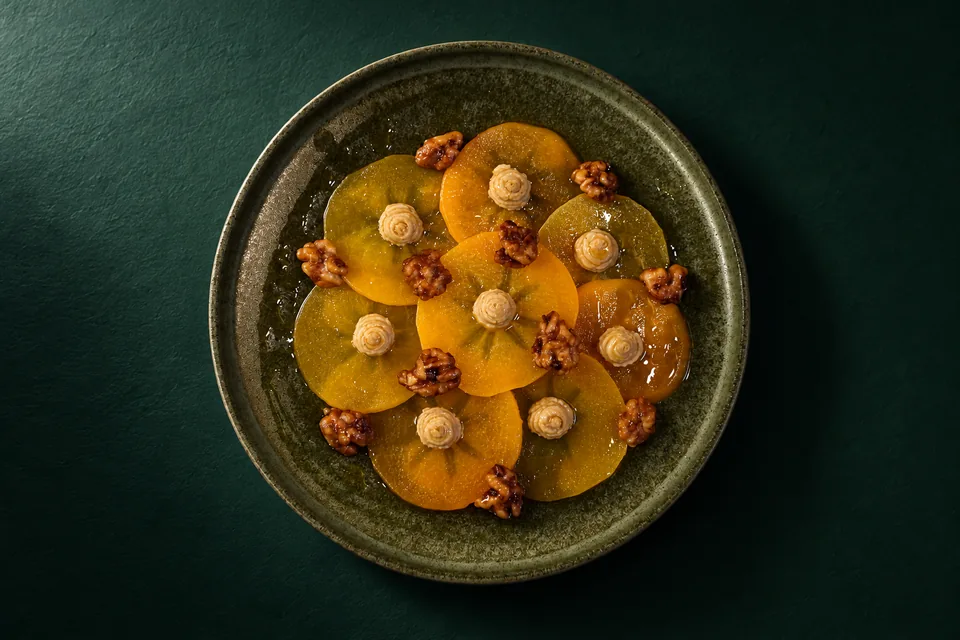
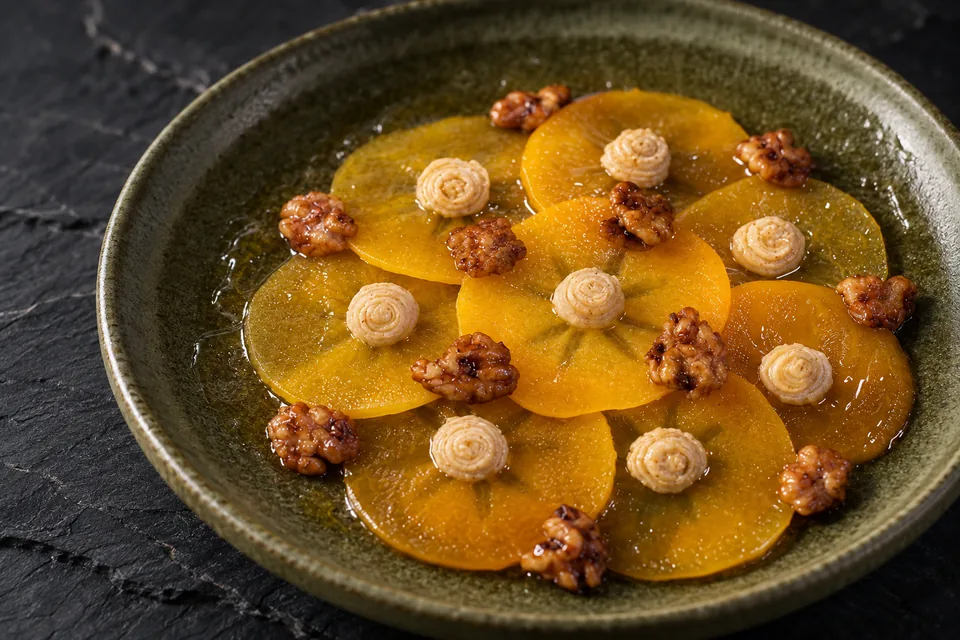
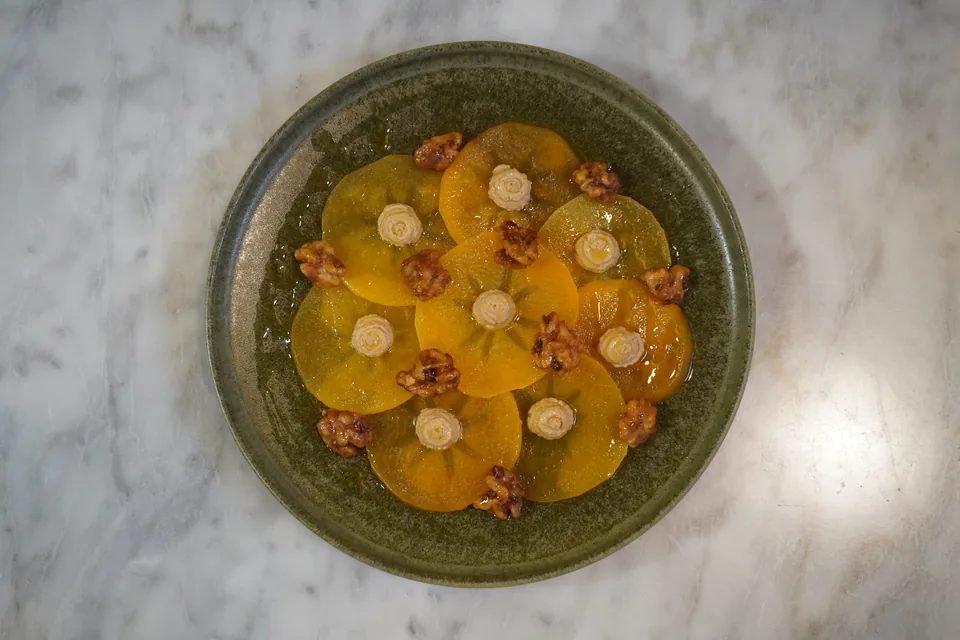
Upload a phone photo of your dish. Our AI-powered engine gets it ready for your menu.
No card. With your invite you sign in, upload a photo of your dish and try the Lab. You only spend a photo when you press “Keep it”.
One photo. Wherever your dish sells: on your menu, in delivery apps and on your socials.
Upload a photo of your dish and pick the setting: table, light, background and props. If you like, the camera too: closer or at an angle. The food is yours.
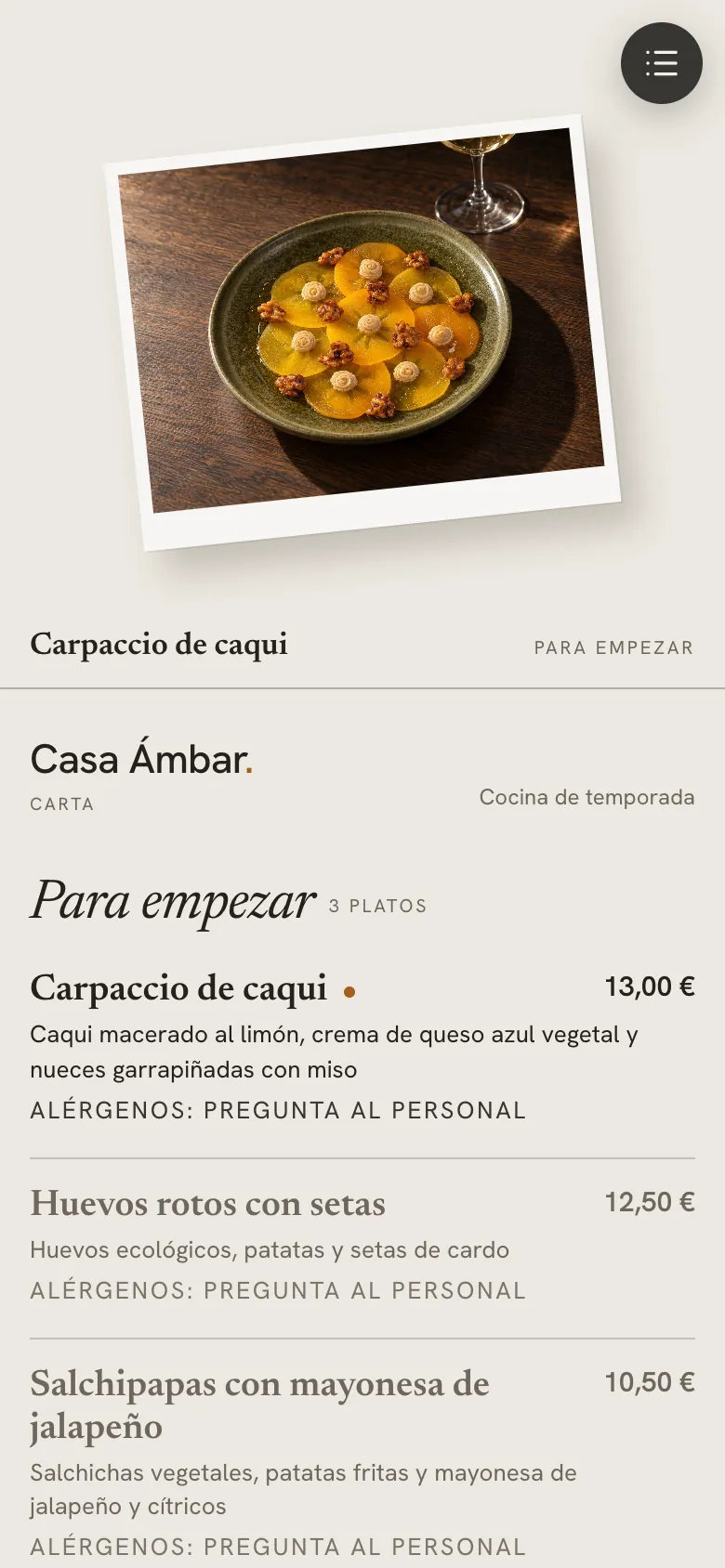
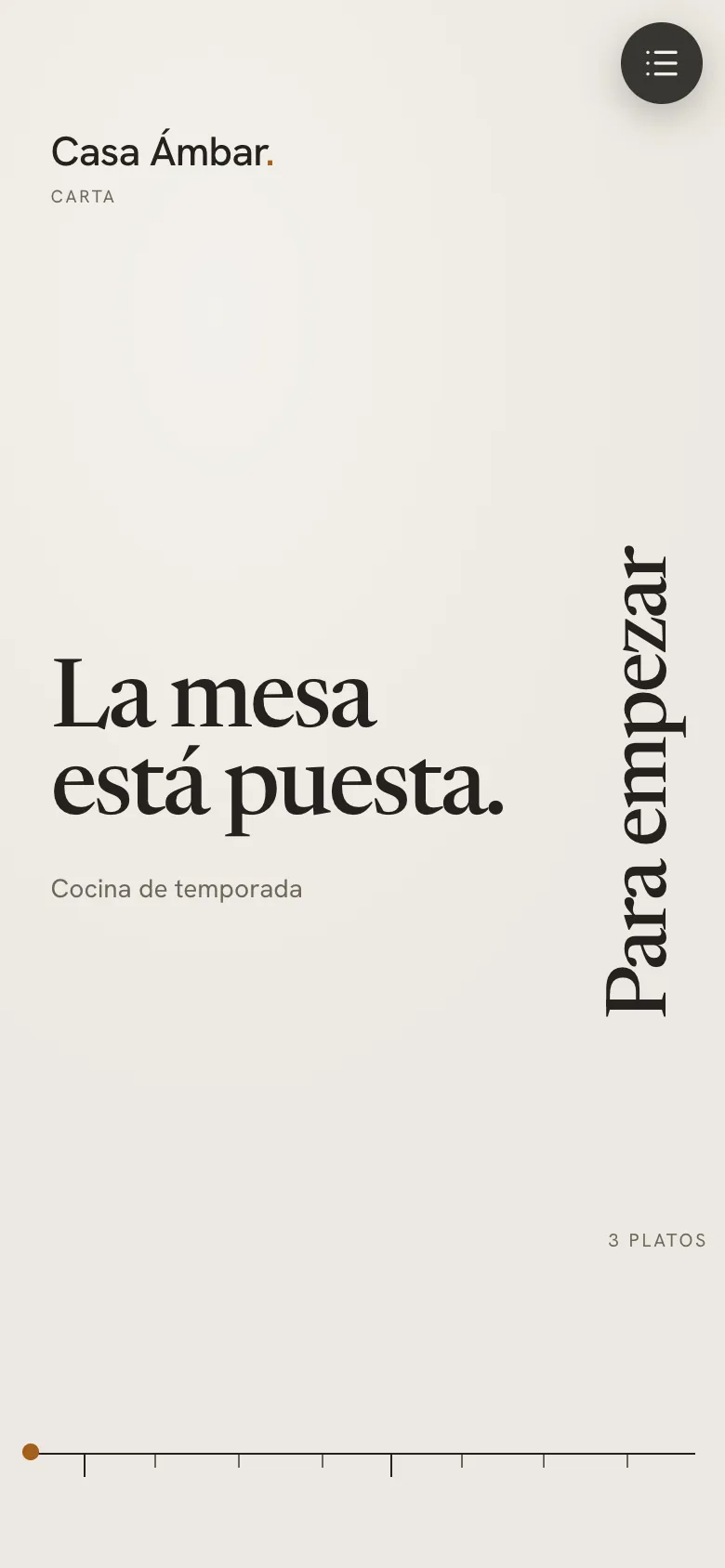
Your dishes drop into a digital menu on their own, with a QR code for the tables. Already have a menu? Upload it as a PDF or a photo and our engine reads it; you check prices and allergens before publishing.
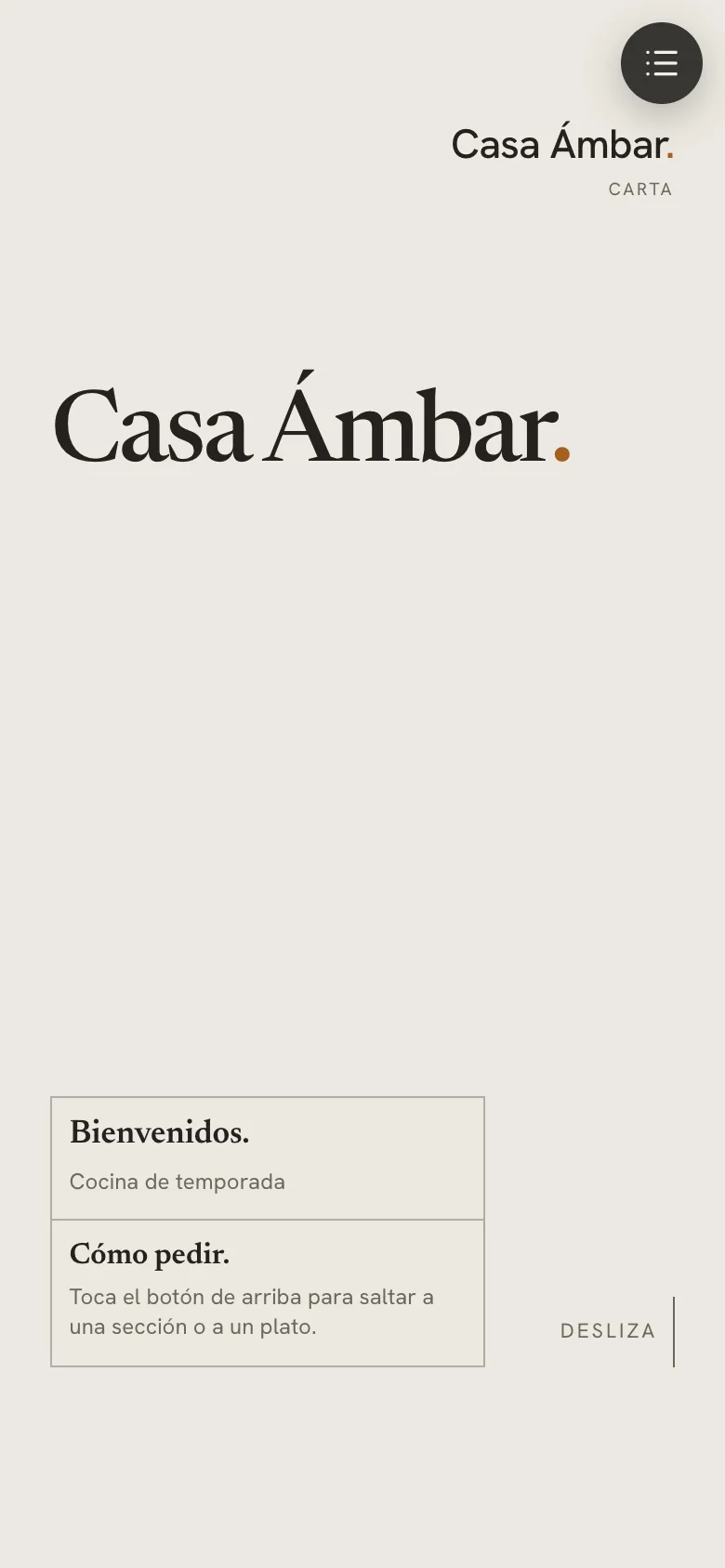
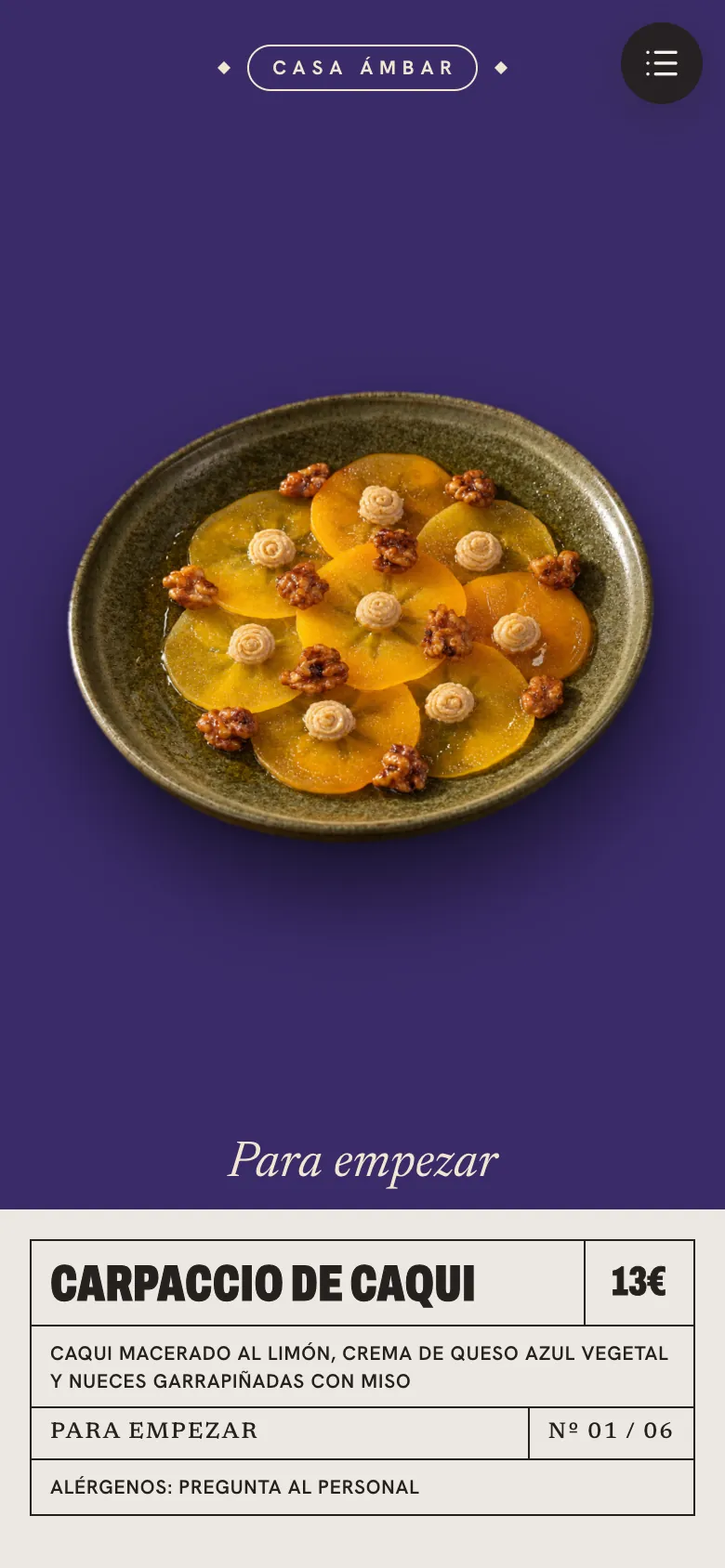
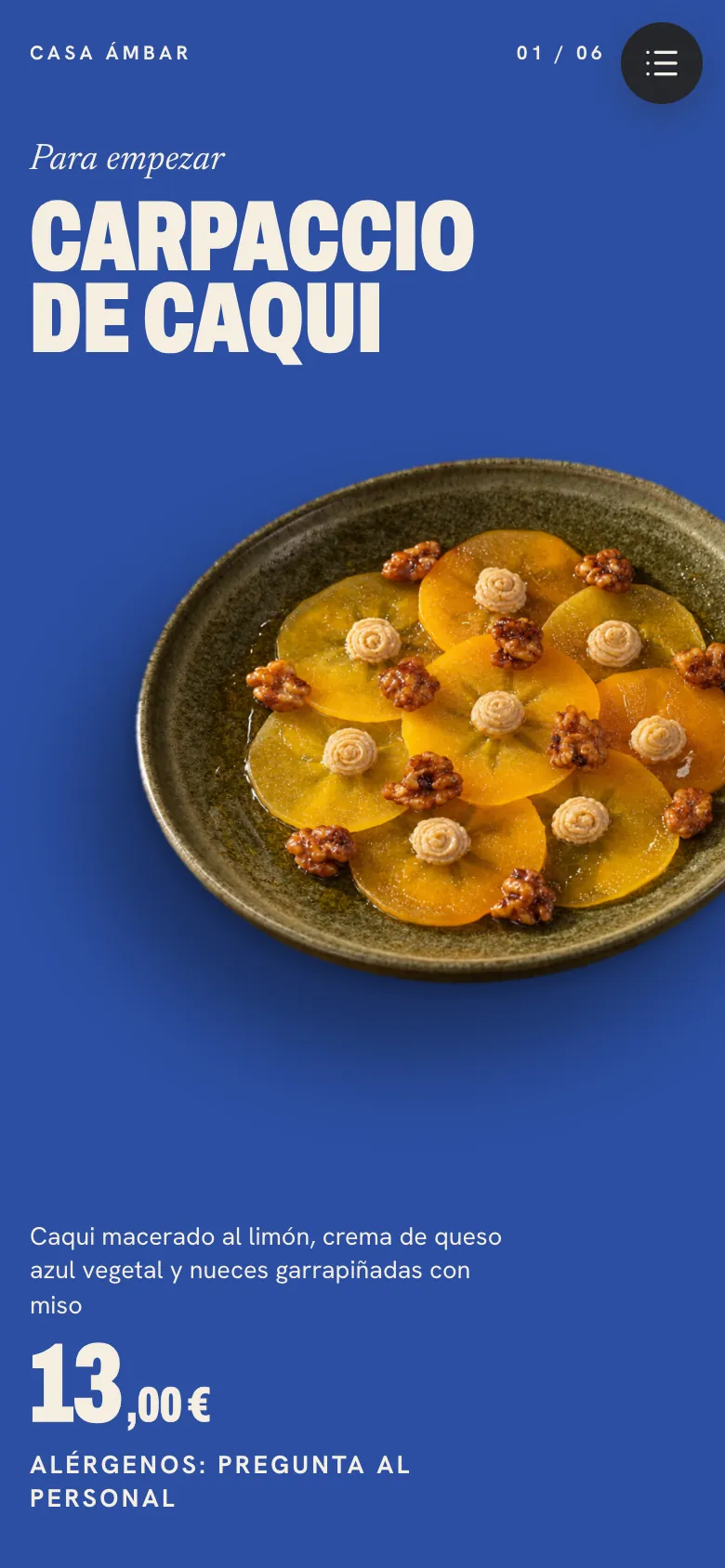
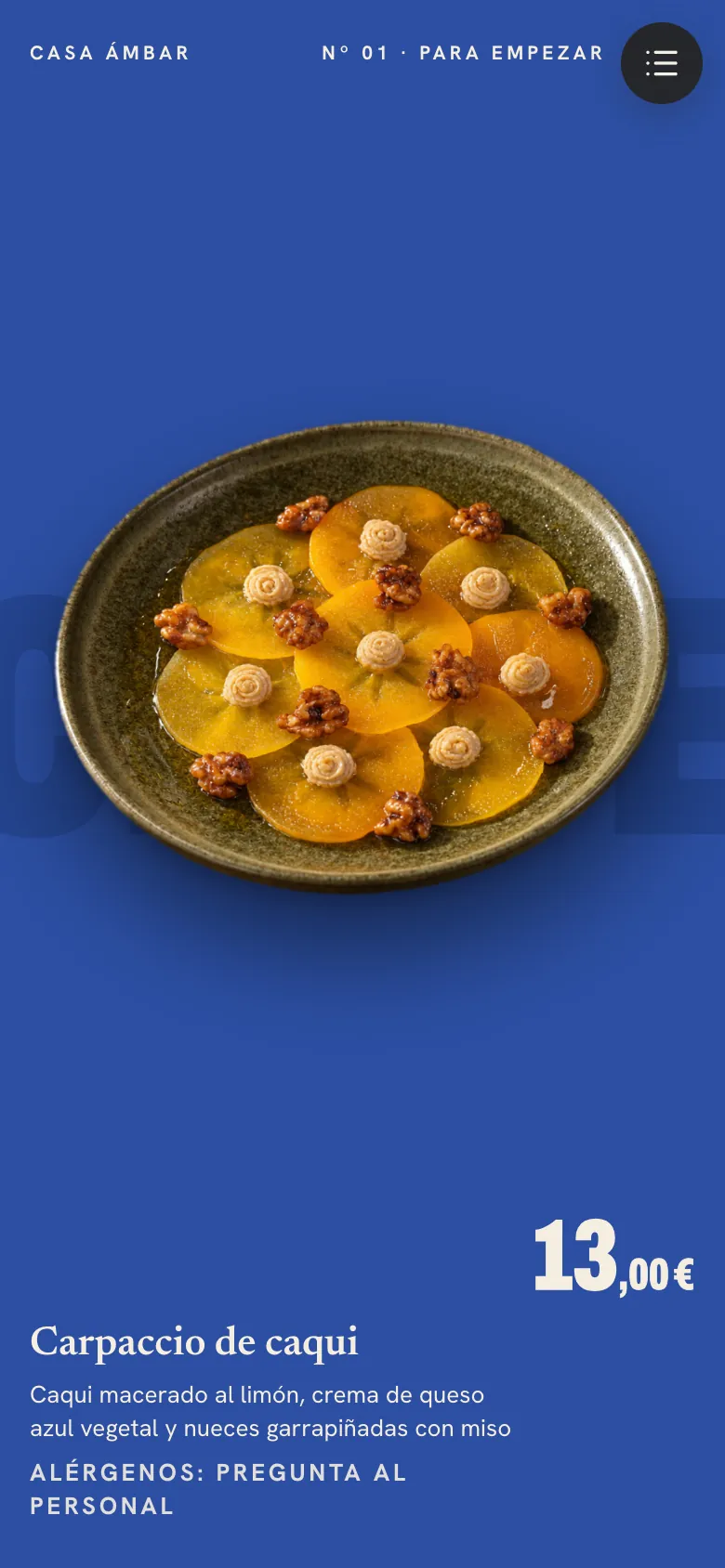
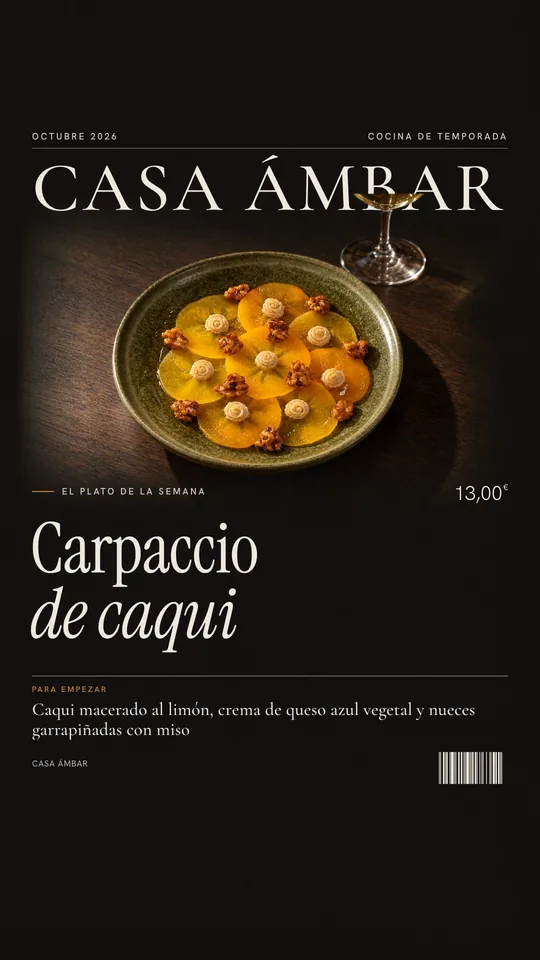
28 video templates for stories and posts, with your photos and your prices. They build themselves and don't use photos from your balance.
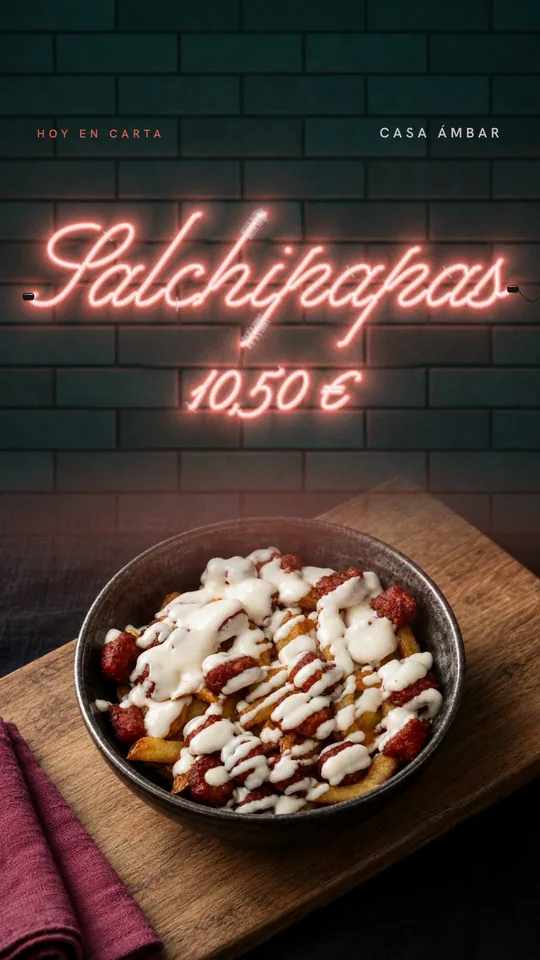
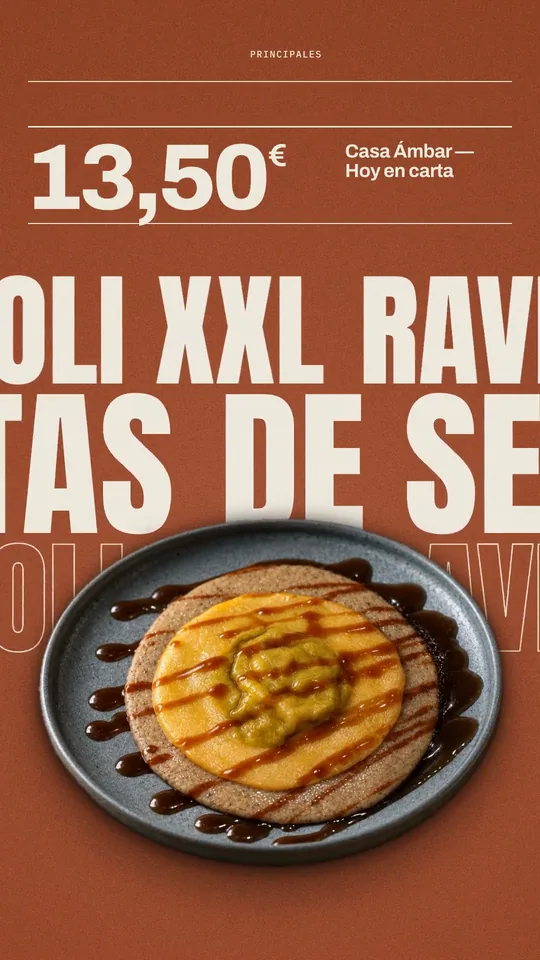
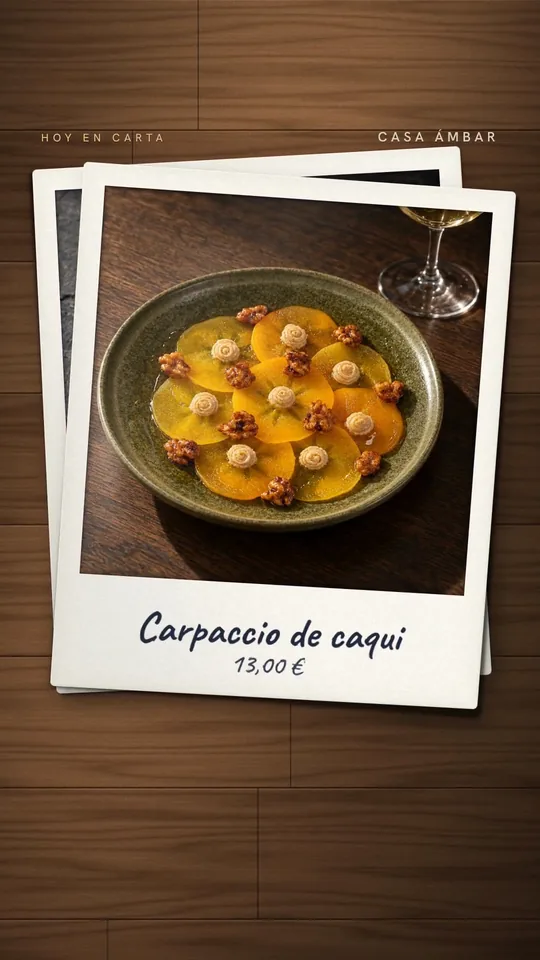
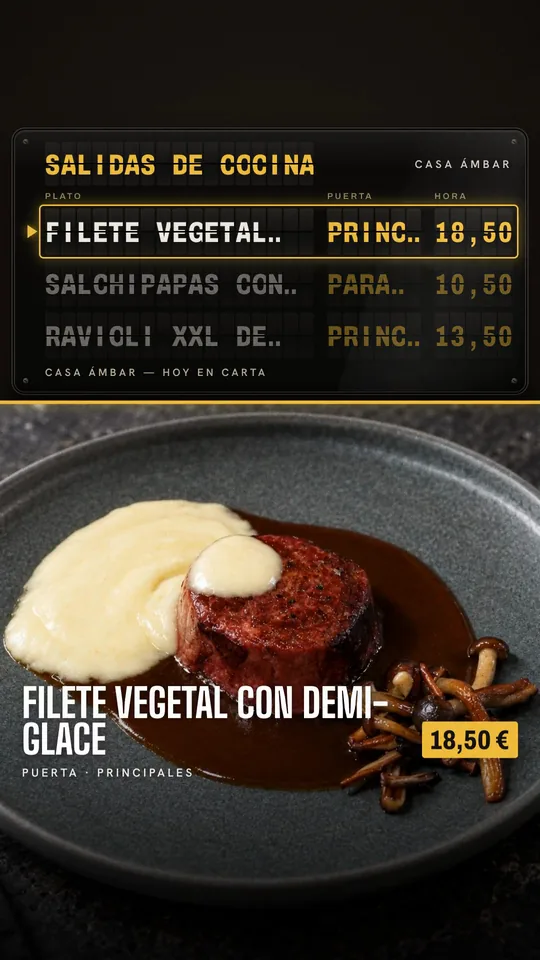
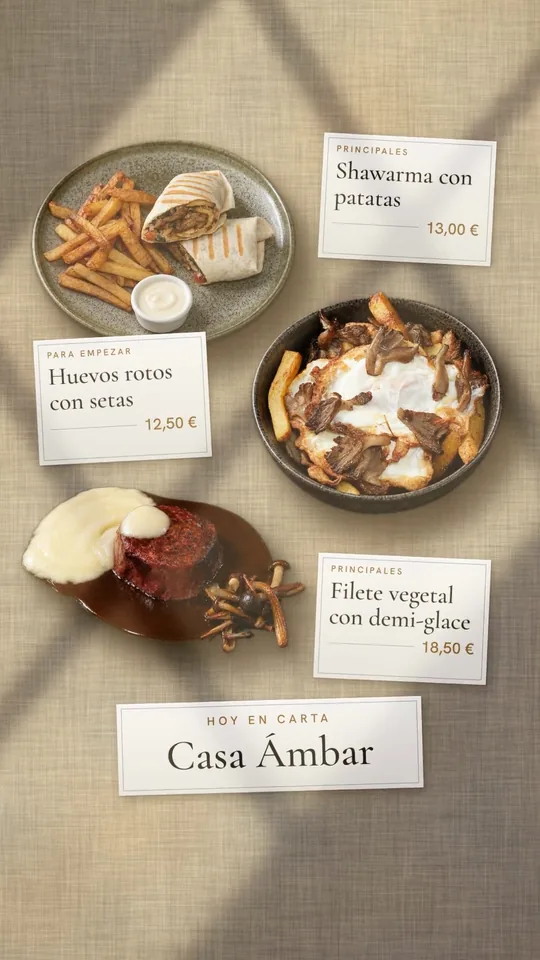
The menu you publish also plays on your venue's TV, dish by dish, and on your website.
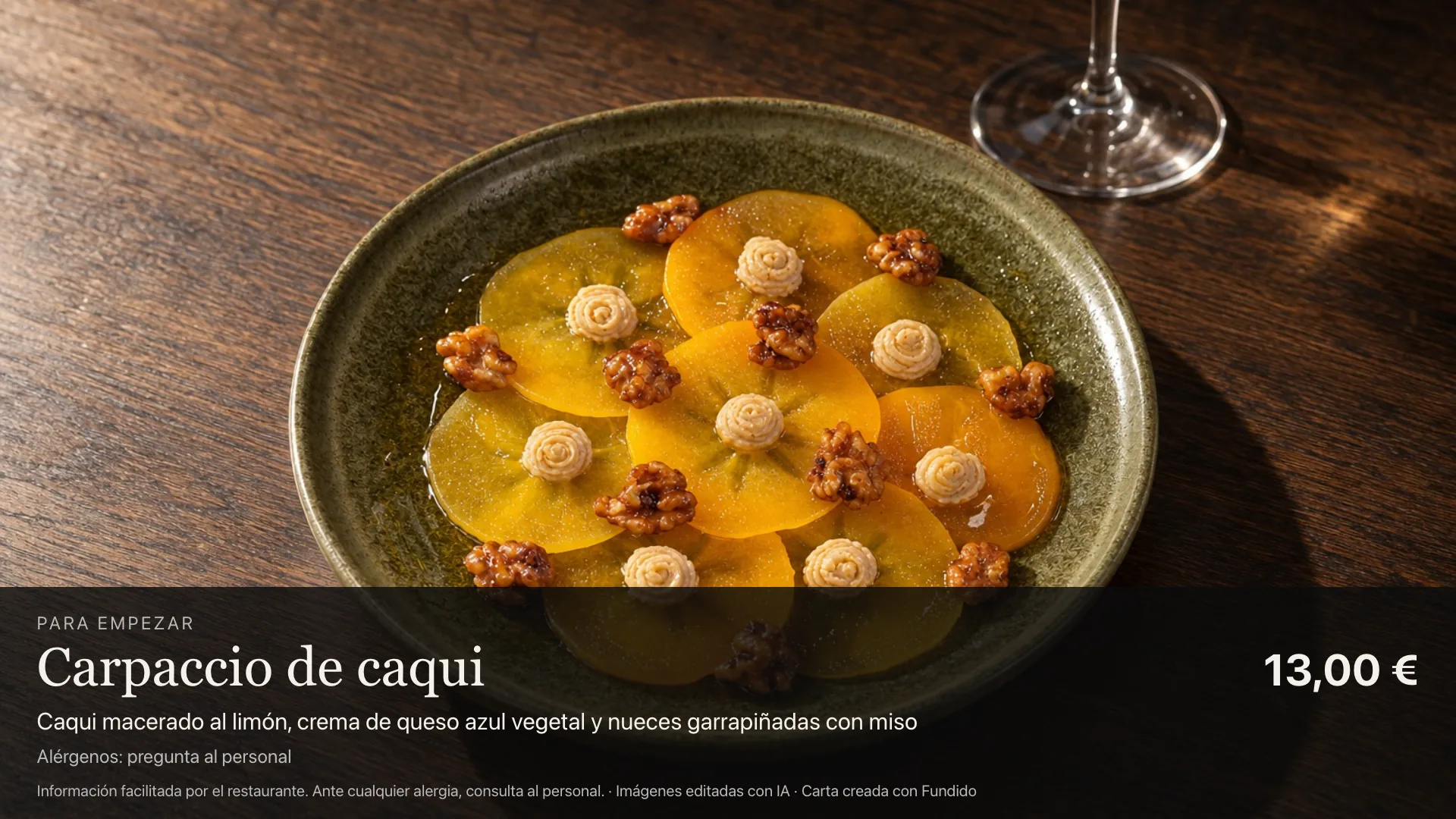
Real dishes from a restaurant we'd rather not name; the menu, the stories and the screen belong to a sample venue, “Casa Ámbar”. Studio photos, menus and videos made with Fundido.
The dish that goes in and the one that comes out: the same food in a different setting. Our engine can get it wrong: if a version doesn't convince you, ask for another, up to 4 attempts per photo, and only the photo you keep is deducted.
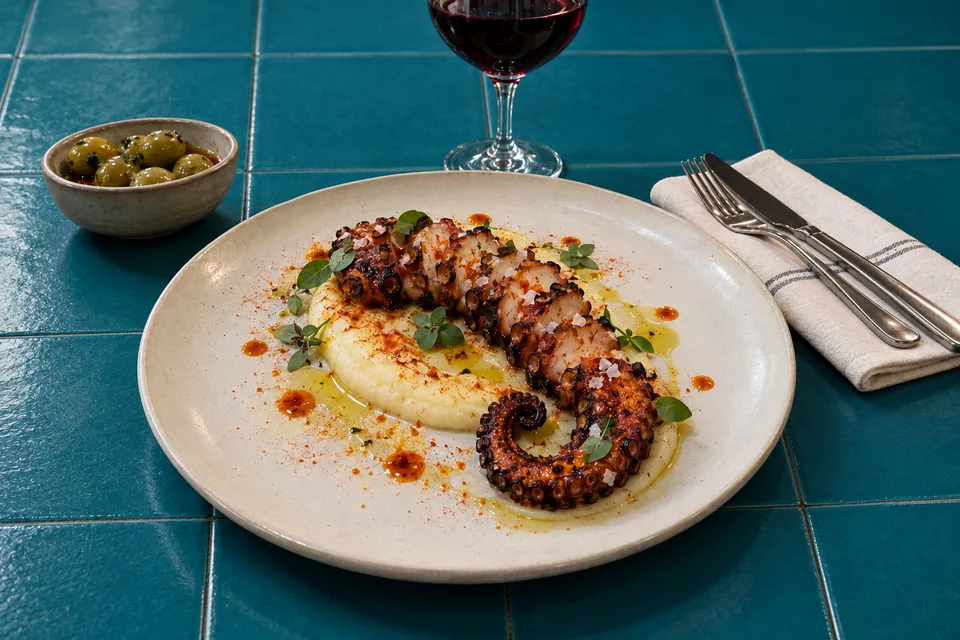
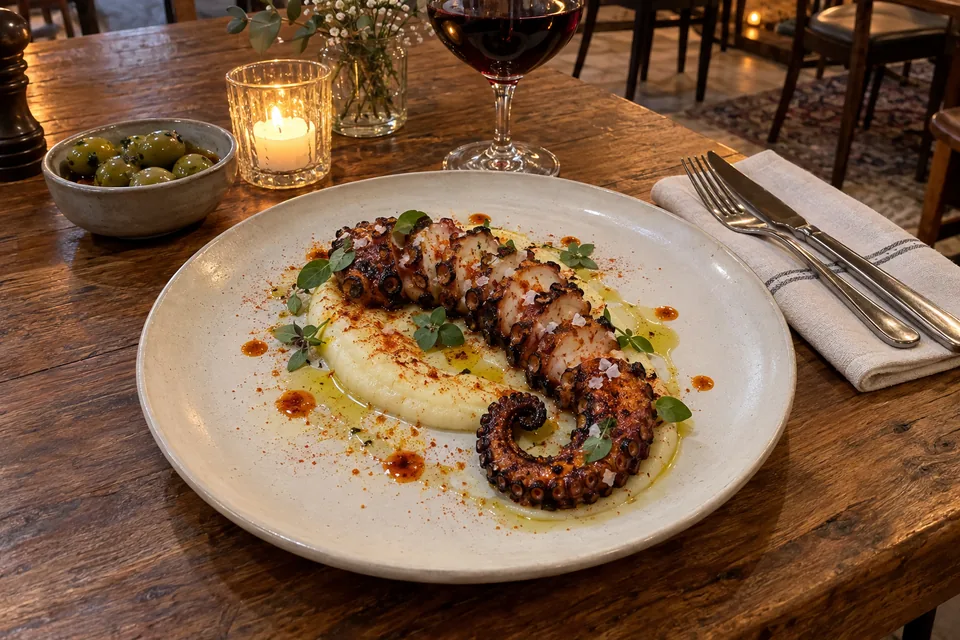
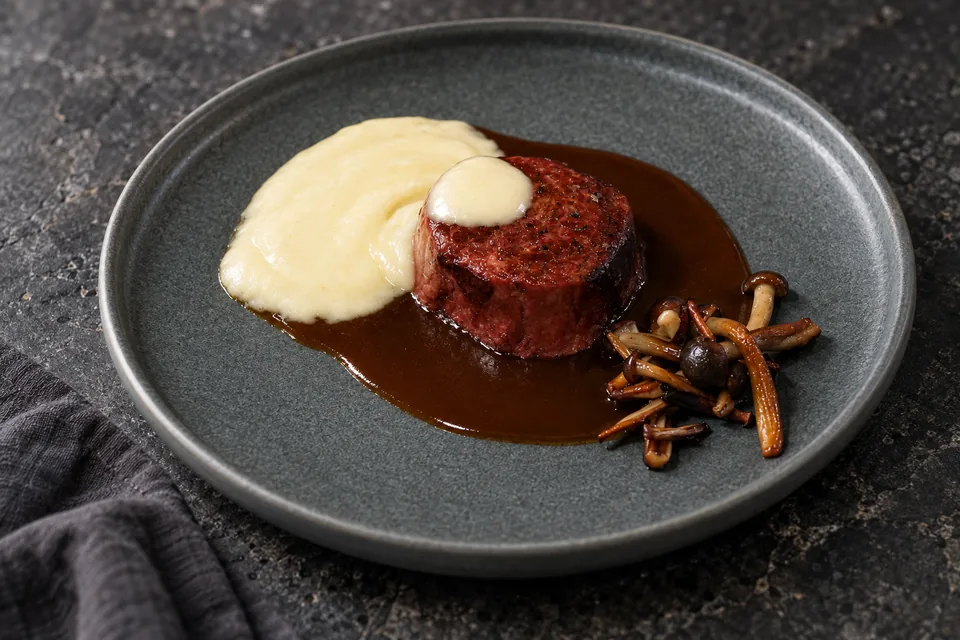
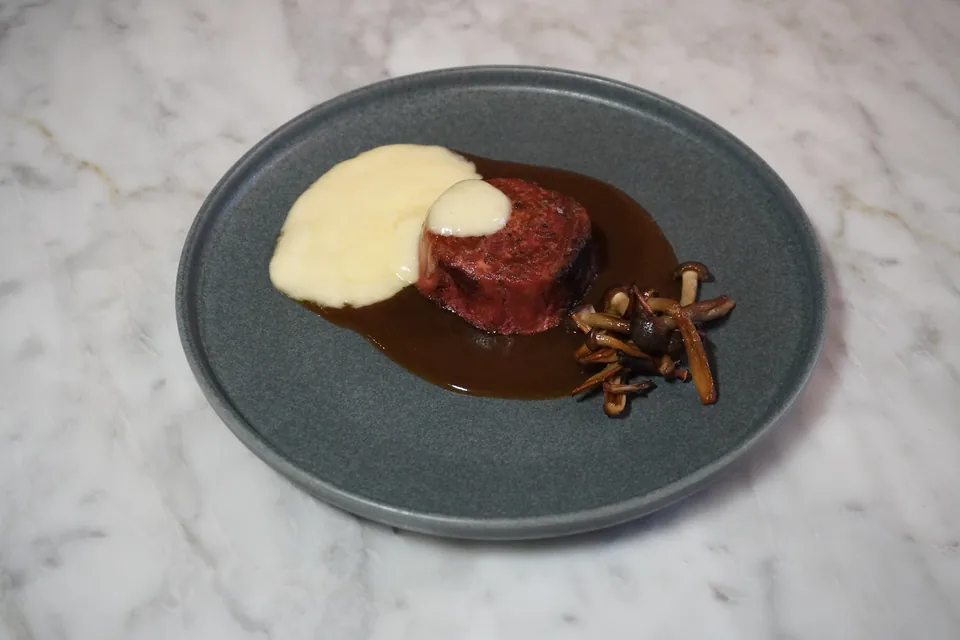
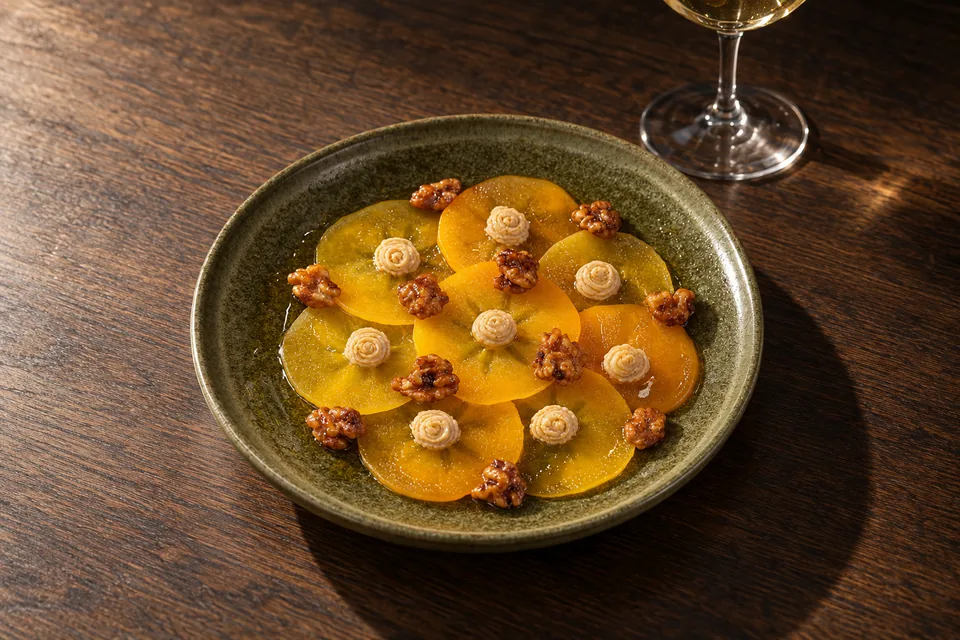
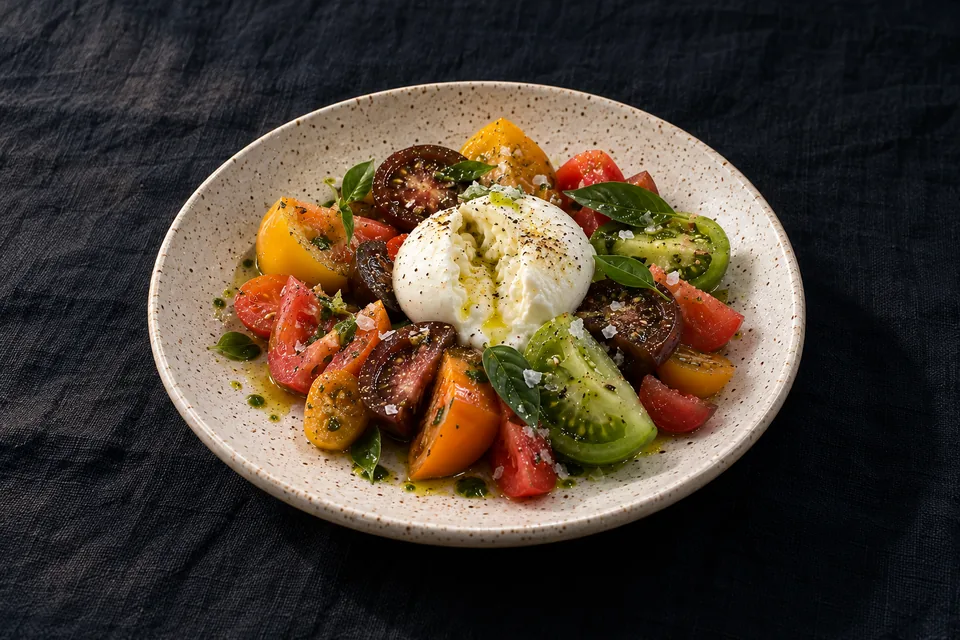
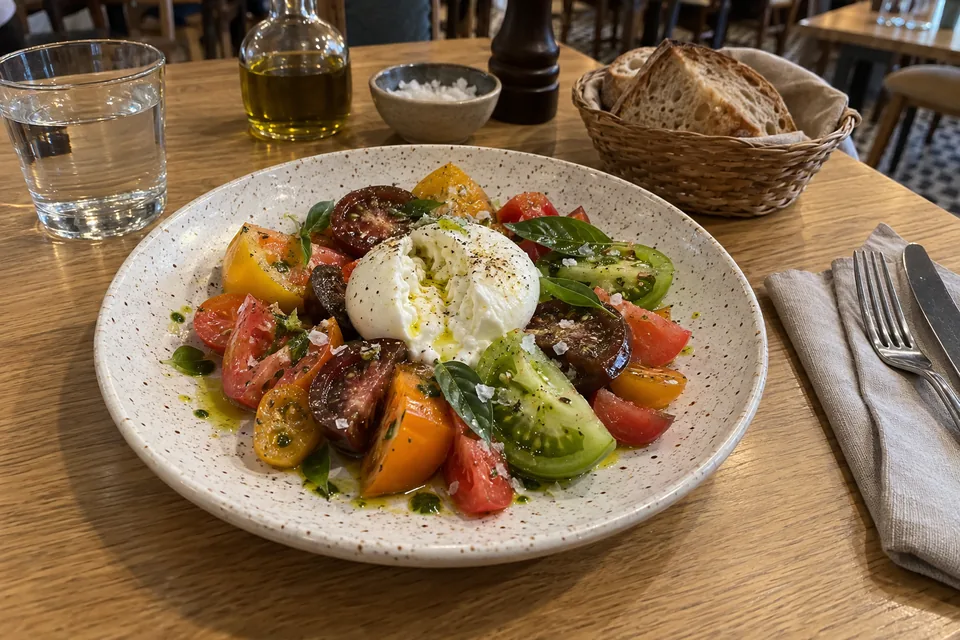
The steak and the persimmon carpaccio come from a real restaurant, which lent its original photos for us to show without naming it; the octopus and the tomatoes are examples whose starting photo was generated with AI. Final photos created with AI in Fundido's Lab. Hover or swipe to move the line.
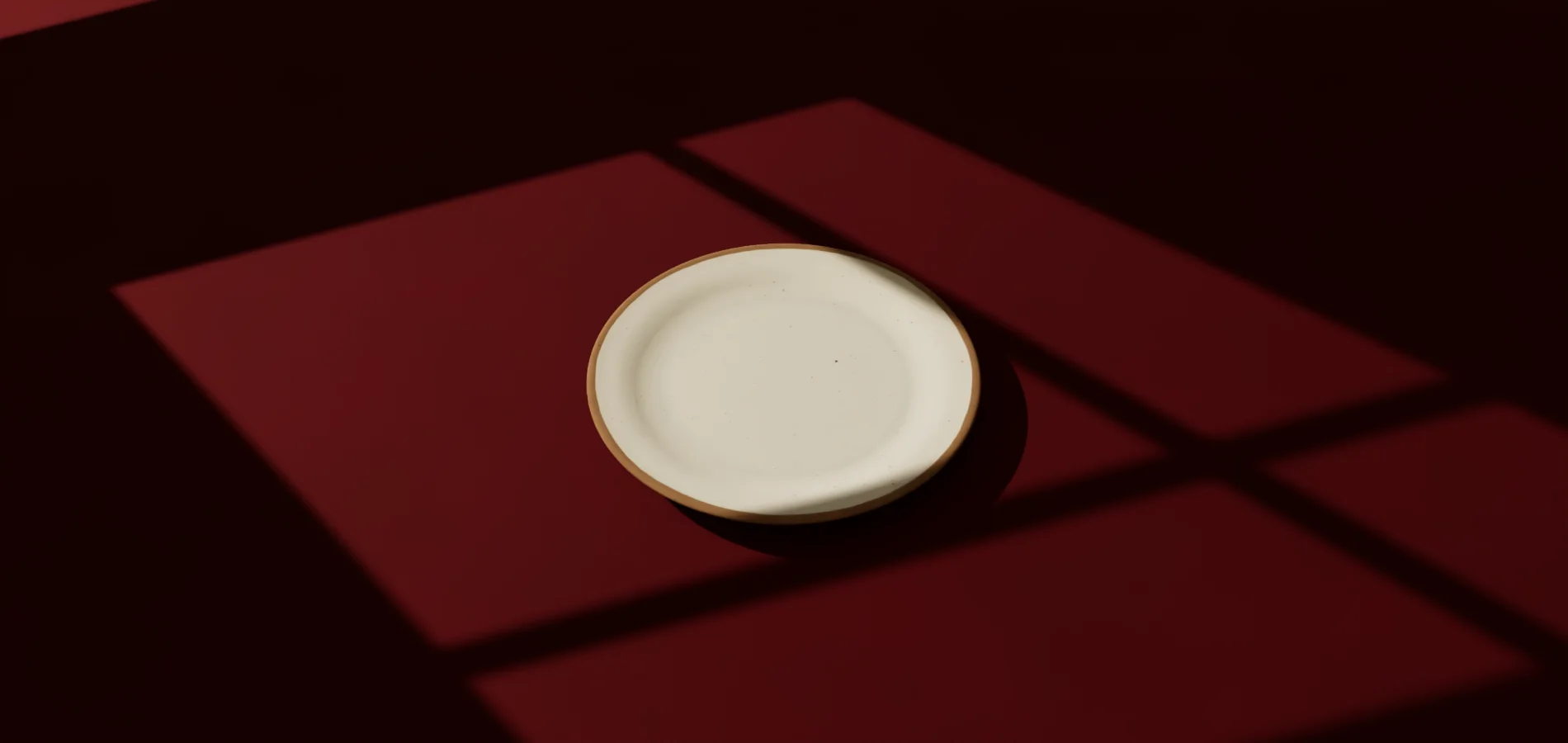
Table, light and props change live, and setting up doesn't use photos from your balance. The plate is empty on purpose: your final photo has yours, at your photo's angle.
Try the colours. Then adjust table, light and props without using photos from your balance.
Marble, walnut, slate, linen, terracotta or coloured paper. Real scanned materials, with their grain and sheen.
Window sun, dappled sun through leaves, a soft window or a spotlight on black. Shadows are calculated just like on a real set.
Add a glass, a napkin or cutlery and see the photo before you request it. The angle is your photo's: our engine keeps it so it doesn't invent your dish.
Setting up and changing the scene is free. You only spend one photo when you press “Keep it”.
Each style is an empty, laid table: surface, light and props. The food comes from your photo, so our engine has no other dish to copy.
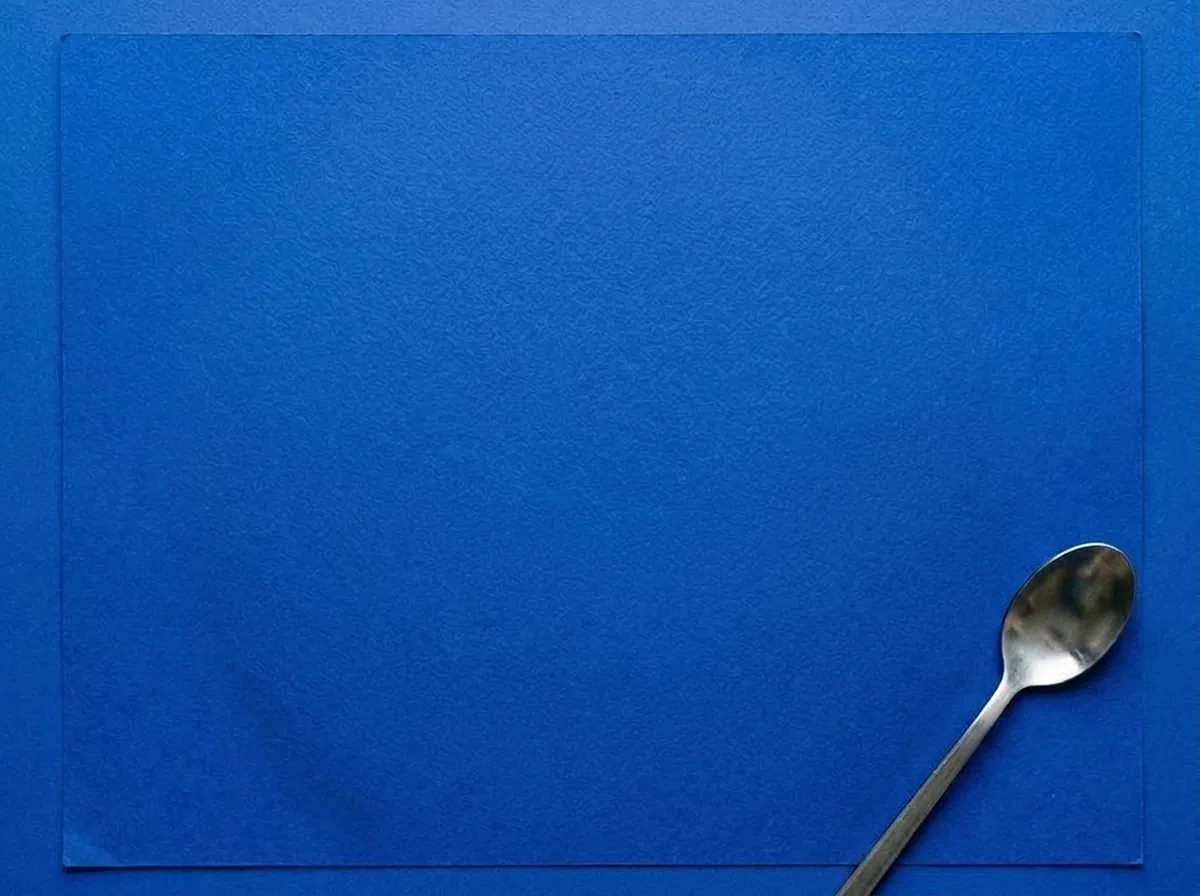
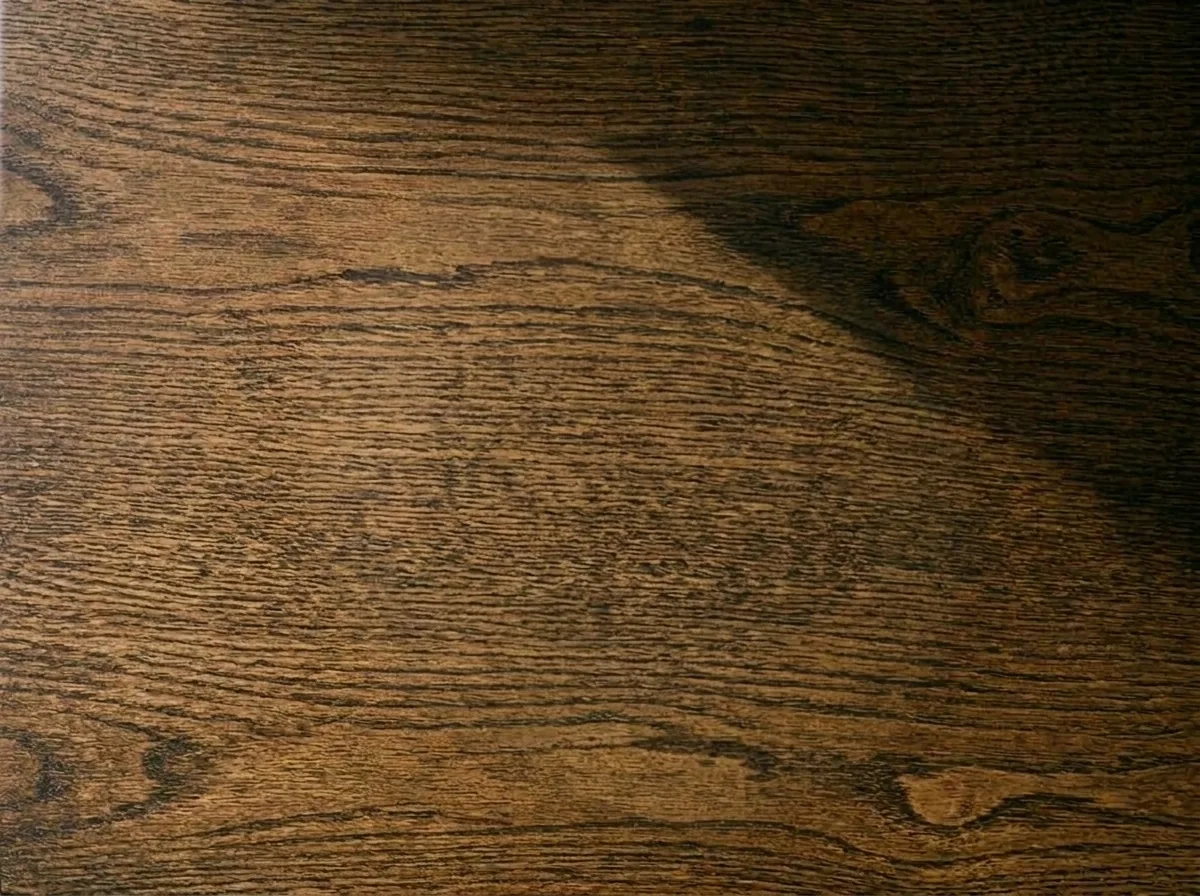
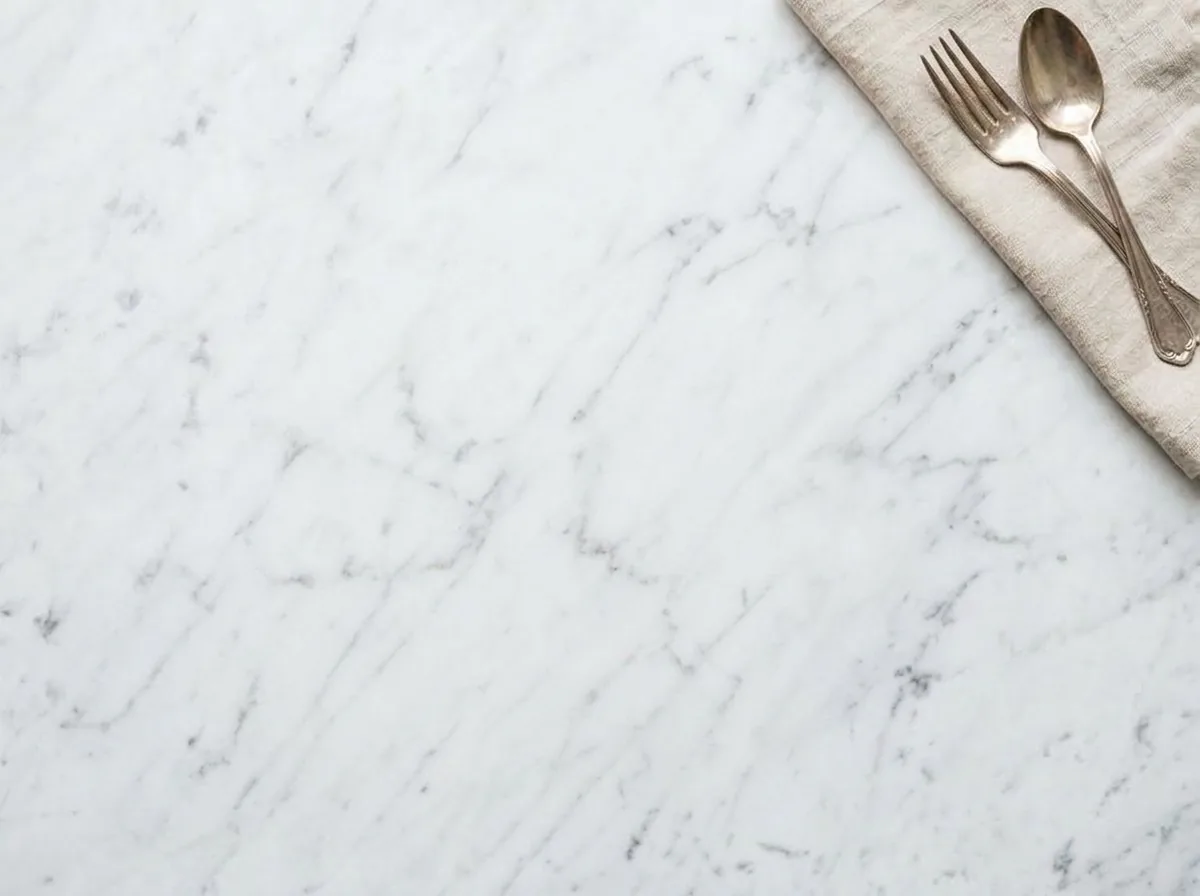
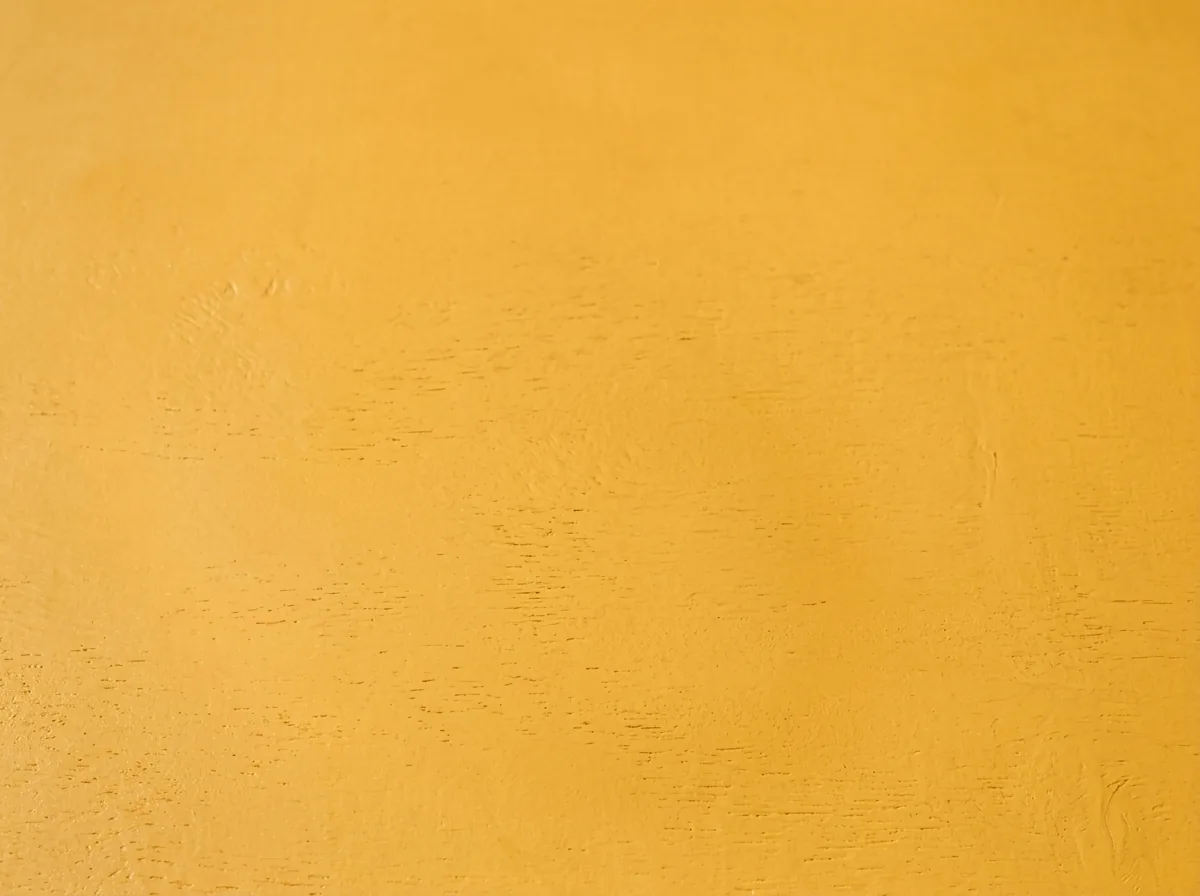
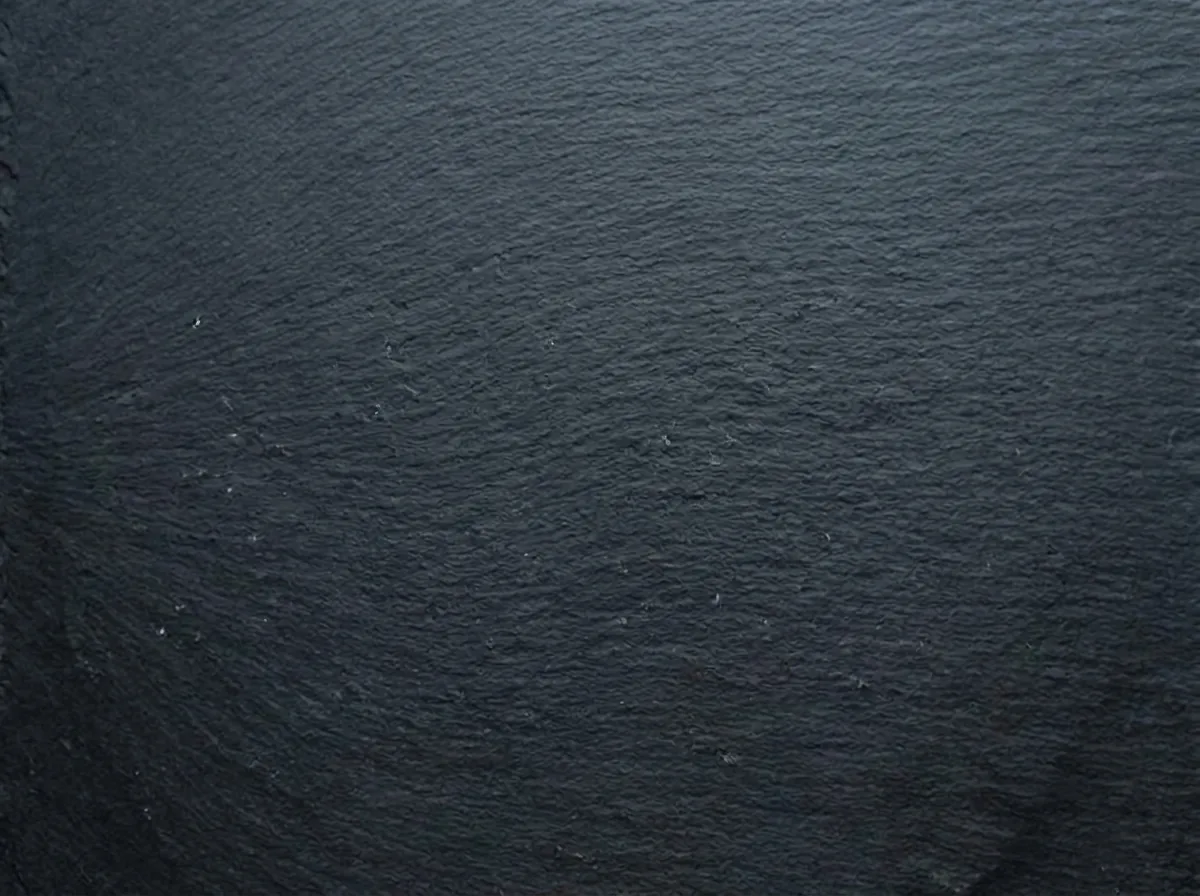

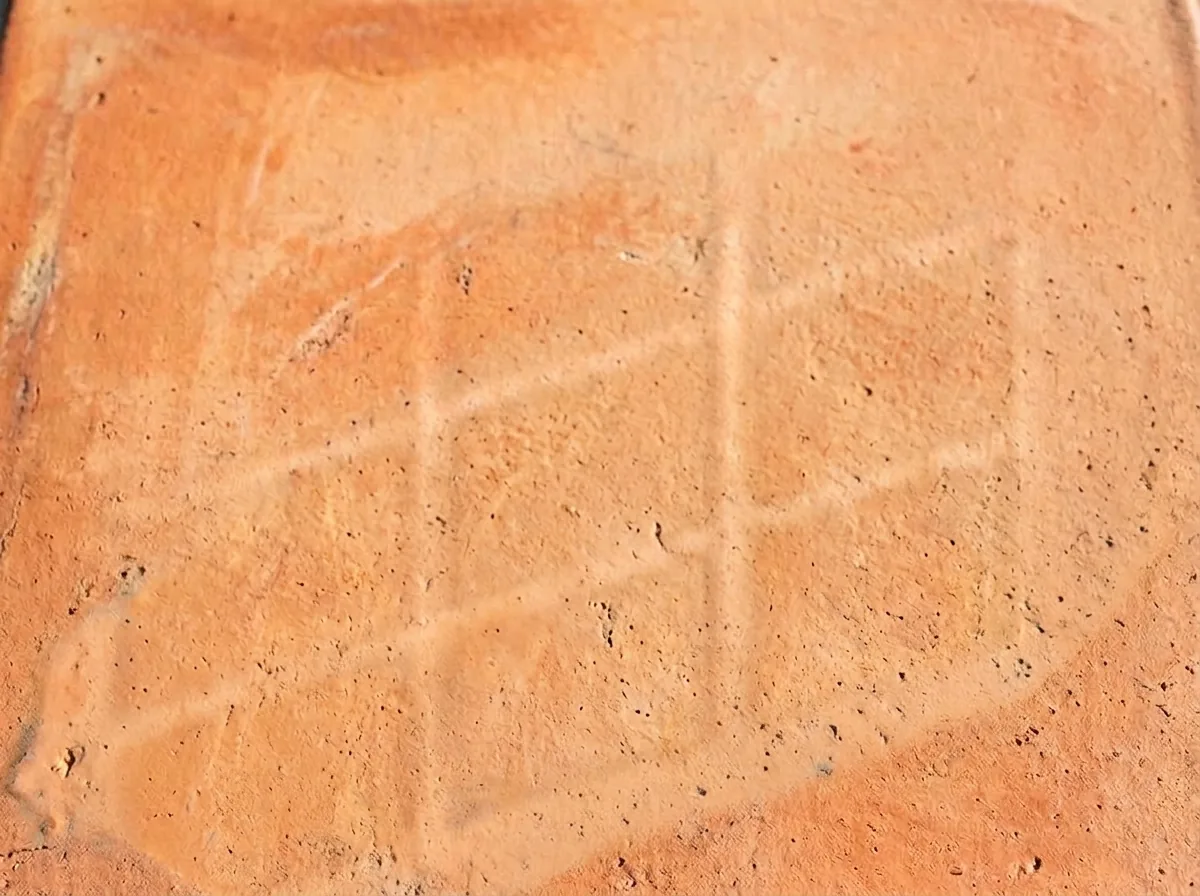
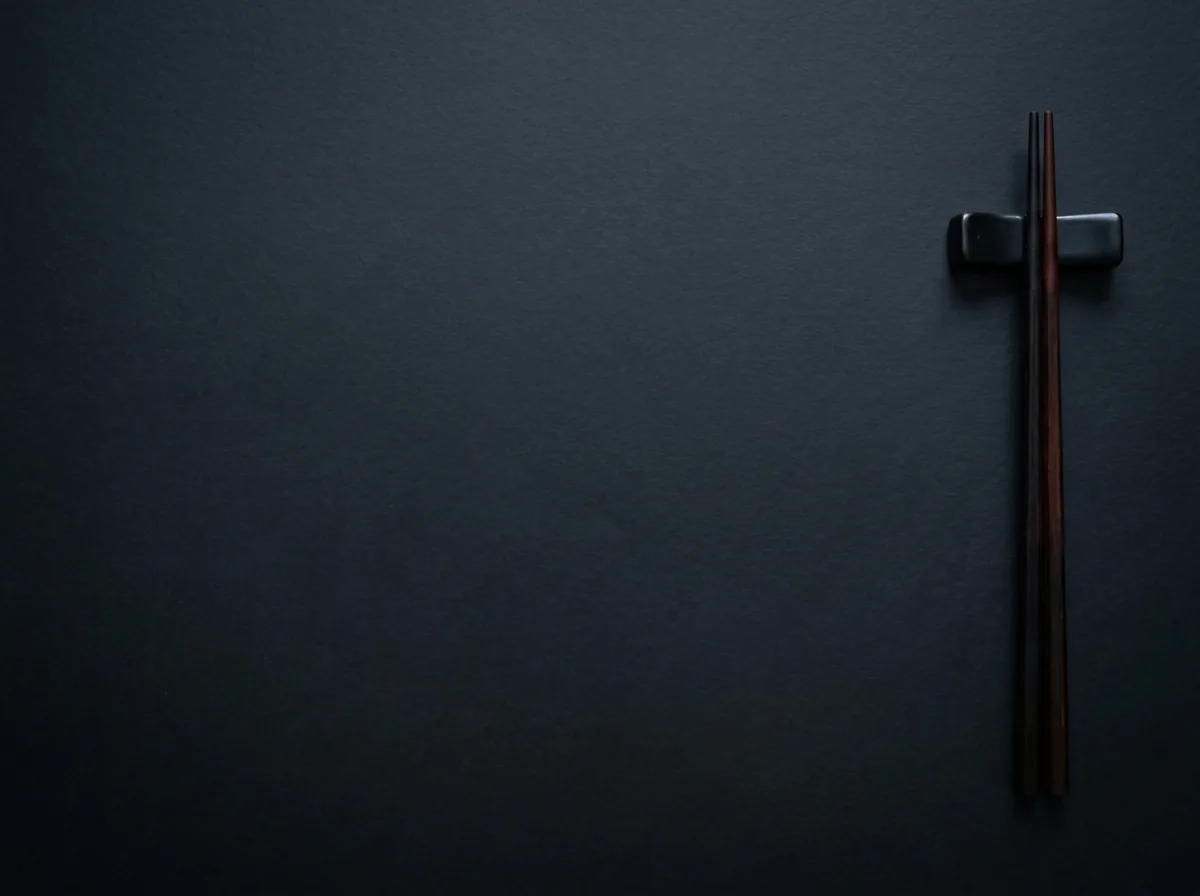
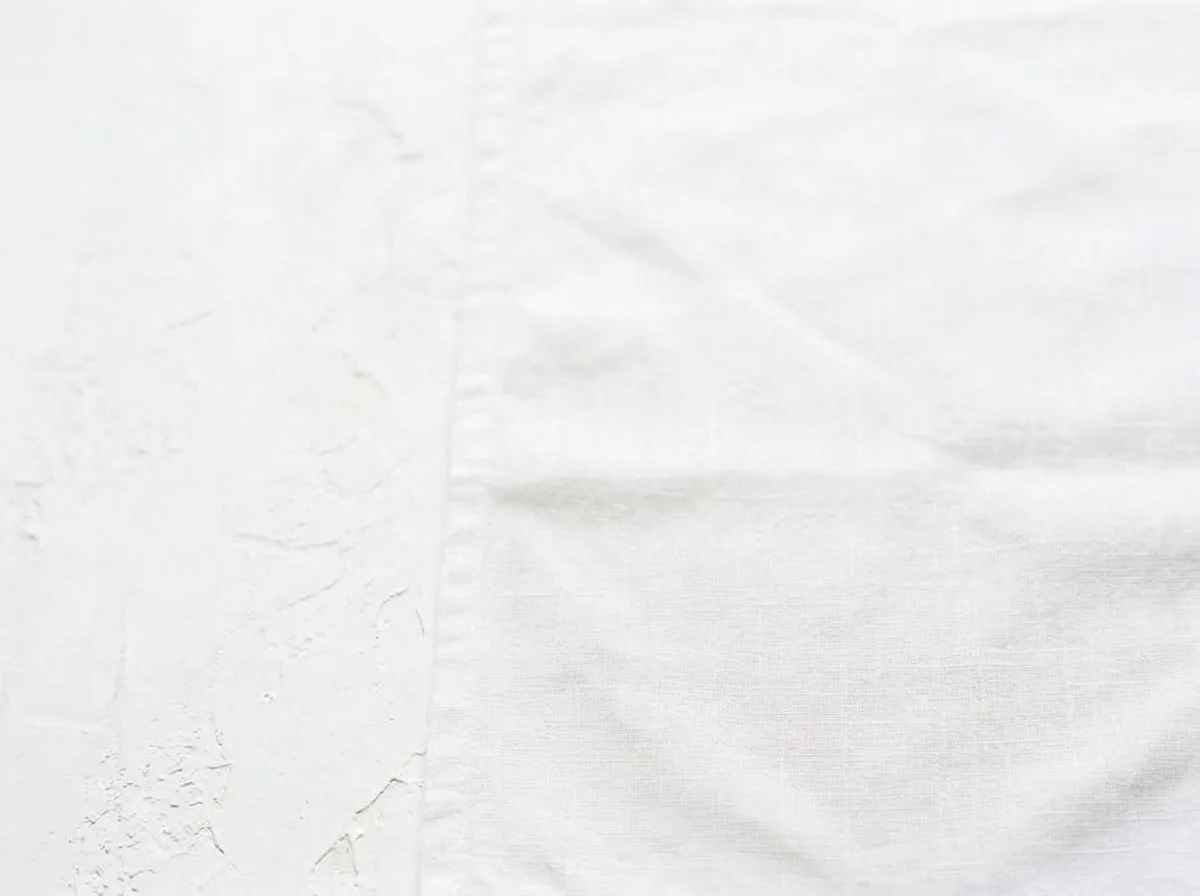
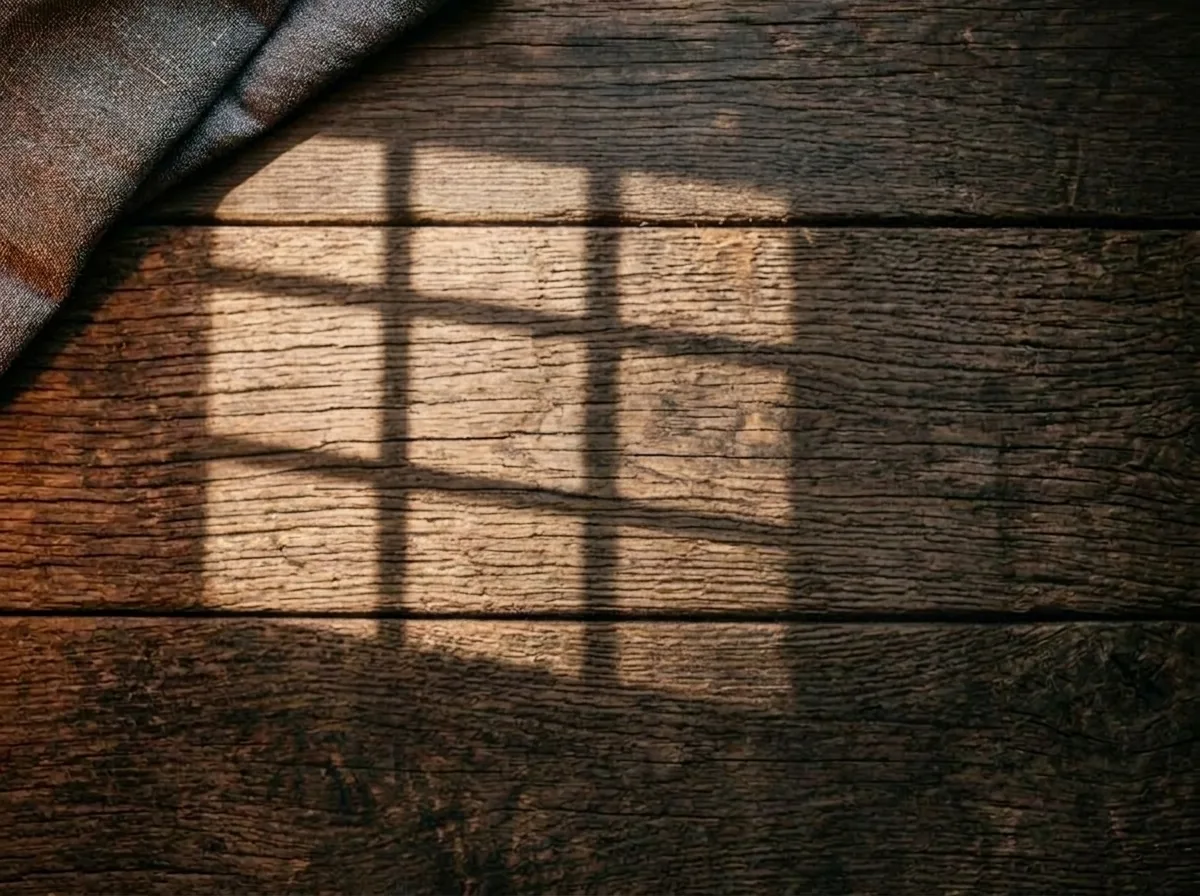
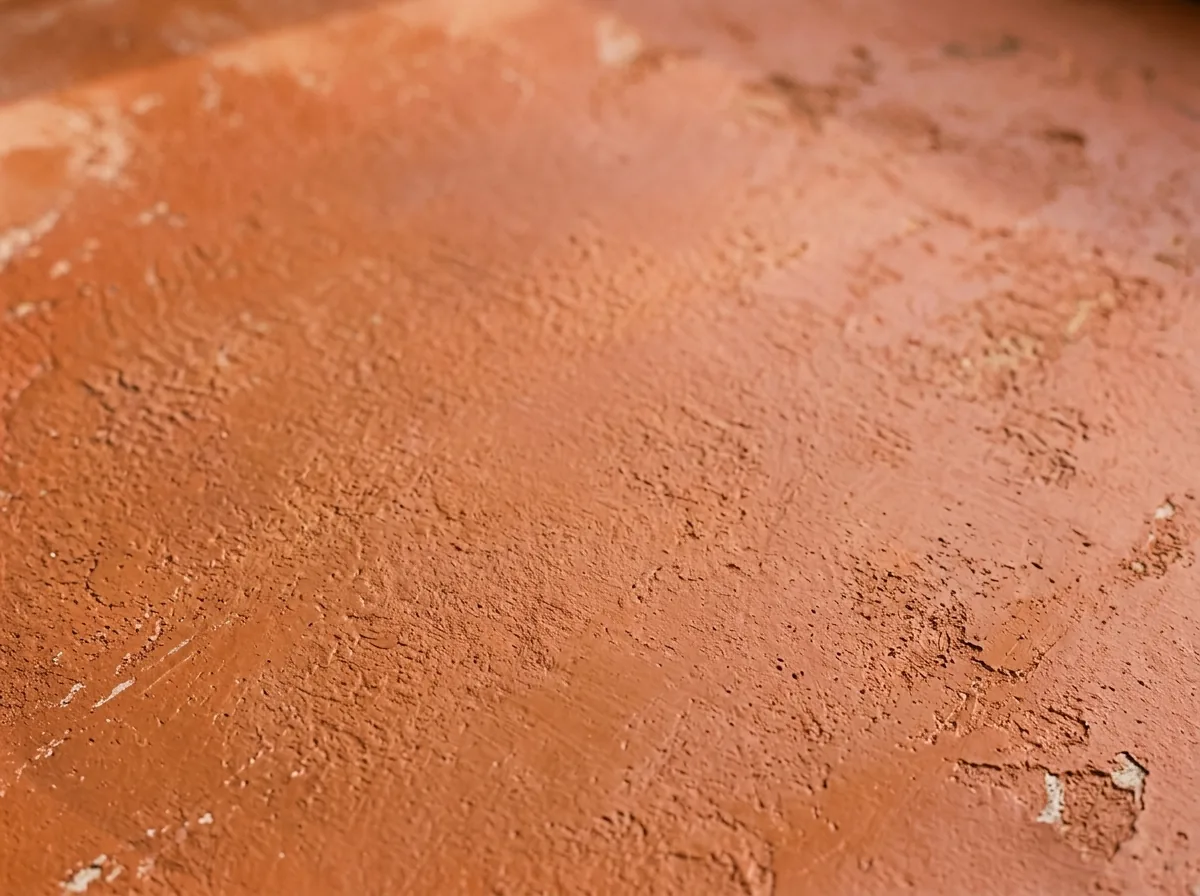
Eleven of the catalogue's 96 styles. They are references created, and emptied of food, with AI; they are not customer photos or results.
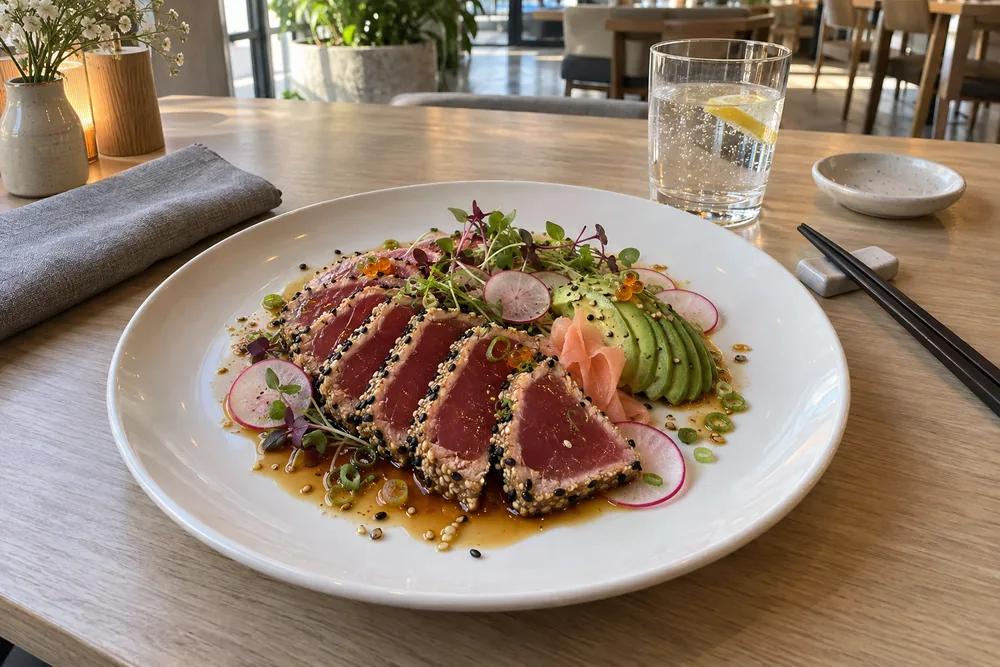
Shoot from any angle you like, with the whole plate in frame. That angle is the final photo's angle.
Choose one of 96 styles and adjust table, light and props on a 3D set. Setting up is free.
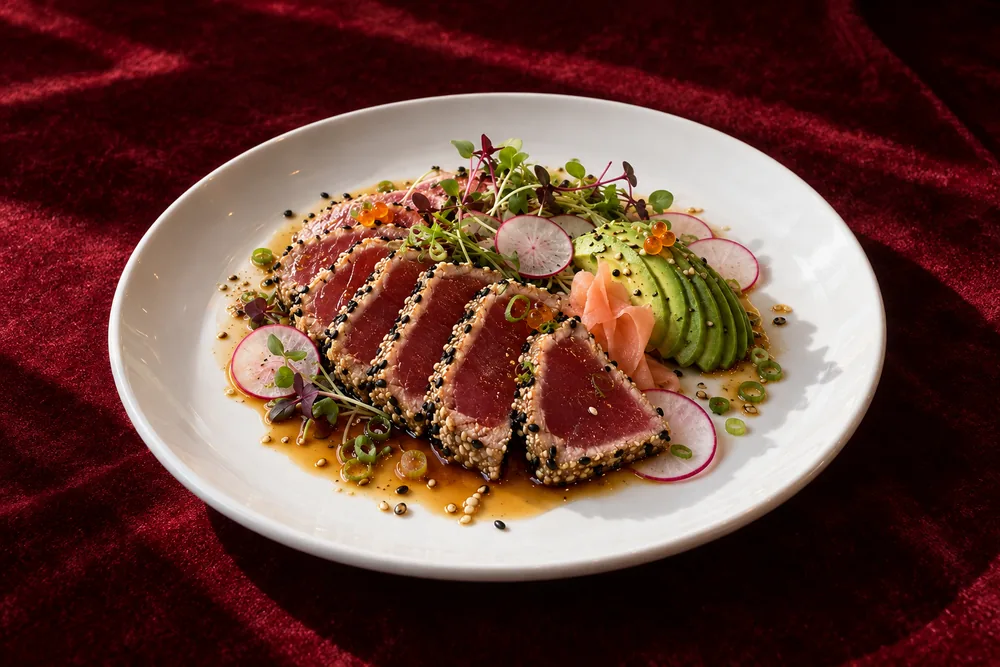
Ask for up to 4 versions and keep the one you like. Only the final high-resolution photo you keep is deducted from your plan.
We're testing Fundido with a small group of venues. Signing in is free and needs no card.
Press "Sign in" and pick up where you left off.
Sign inOpen the invite link we sent you: it carries your code and takes you to create your account.
Leave us your venue and your email. We'll write when there's room, no commitment and no promised date.
Tell us your venue's name and your email. We'll write from hola@fundidocreative.com when there's room in the beta.
You choose a plan and pay monthly, with no minimum term, or the whole year upfront, saving up to 16%.
The annual plan can be paid once, without renewal. “Renew each year” is ticked by default: if you renew, we'll remind you 30 days before.
Photos you don't use don't roll over: monthly ones expire at the end of the month.
Launch prices
12,5 €
/month150 € a year (181,50 € incl. VAT) · you save 30 €
or 15 € a month (18,15 € incl. VAT) paying monthly
The studio photo engine, without a published menu.
24,17 €
/month290 € a year (350,90 € incl. VAT) · you save 58 €
or 29 € a month (35,09 € incl. VAT) paying monthly
Your digital menu up and running, with new photos every month.
Your whole menu: 40 photos up front
Subscribe yearly49,17 €
/month590 € a year (713,90 € incl. VAT) · you save 118 €
or 59 € a month (71,39 € incl. VAT) paying monthly
Everything in Menu, plus the in-venue screen with videos.
Your whole menu: 80 photos up front
Subscribe yearlyNo card. You only spend a photo when you press “Keep it”.
No plan? Single photos at 5 € each (just the photo, no menu or extras).
Prices exclude VAT · VAT (21%) is added at checkout.
It doesn't open to the public yet: Fundido is in private beta and you join with an invite link. If you already have an account, press “Sign in”. If you don't have an invite, leave your venue and email under “Request an invite” and we'll write when there's room.
No. You choose from clearly named options —table, light, props— and see the result in 3D before requesting the photo.
Yes. Take it from the angle you want in the final photo —from above, at an angle or head-on—: our engine keeps that viewpoint. With the whole plate in frame and enough light to recognise the food.
With one of three monthly plans: Basic (15 €/month, 8 photos), Menu (29 €/month, 15 photos) or Complete (59 €/month, 30 photos), excluding VAT. Pay monthly with no minimum term, or the whole year at once, saving up to 16%. On the annual plan your whole menu arrives up front: 40 photos with Menu and 80 with Complete. The annual plan can be paid once, without renewal; if you renew, we'll remind you 30 days before. Unused photos don't roll over: monthly ones expire at the end of the month. A photo is only deducted when you press “Keep it”: setting up the scene, trying tables and lights, viewing versions or re-downloading a photo you already have doesn't use photos.
You request another version without spending another photo from your balance, for any reason, up to 4 attempts per photo. If after keeping it you see the engine changed your food, let us know within 7 days and we'll return the photo to your balance. Faithfulness to the dish is our goal, not a guarantee of an exact copy.
Photos are delivered with no mark or text on the image and with metadata stating they were generated or edited with AI. When you publish them, it's up to you to label them as AI-created on the platform when it requires it.
Yes. In your dashboard, “Help” connects you straight away to an AI assistant that can see how your account is, and if needed it passes you to a person, who replies within 24 hours. You can also write to hola@fundidocreative.com. If a photo fails, nothing is spent and you can request it again.
Yes. On mobile the set runs in fast mode; on a computer it also refines lights and shadows in a few seconds.
The set is ready. All it needs is your dish. Three plans, from 15 € a month, no minimum term on the monthly plan.
No card. With your invite you sign in, upload a photo of your dish and try the Lab. You only spend a photo when you press “Keep it”.